Posts

How can I install drivers and install setup & driver files from "123.hp.com"?

  Most likely, you've recently invested in a new printer. Due to a lack of competent drivers, it is unable to function properly. Visit " 123.hp.com " to get the required drivers for the 123.hp.com/setup . We'll walk you through the process of configuring your HP OfficeJet all-in-one printer.   What’s the use of downloading HP printer drivers? 123.hp.com is the only place to get and install drivers. The printer may not work properly if the required drivers are not installed from 123.hp.com/setup . The techniques for downloading and installing the setup file to help activate the HP printer.   How do I use 123.hp.com/setup to update my HP printer's drivers? 123.hp.com makes it easy to get and install HP printer drivers. Go to the HP website to get the latest version of the drivers. In order to obtain the printer drivers, follow these steps: -     - Your printer model will be listed on the website's driver download page.   - Drivers compatible with your ...
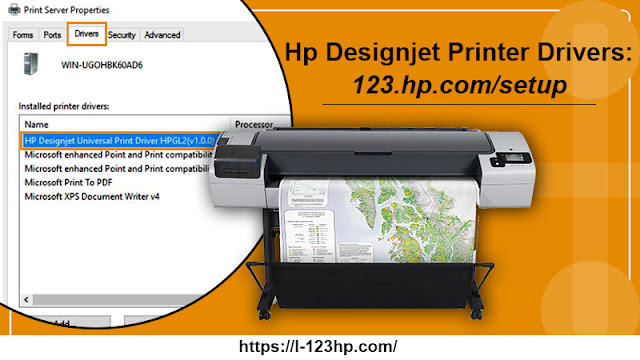
Hp Designjet Printer Drivers: 123.hp.com/setup

Image
  Do you want to install hp Designjet printer drivers? You can download the driver following the link 123.hp.com/setup .    To set up printer drivers you need to download the drivers online. Further, with this guide, you will learn to extract files and install the drivers for your hp printer and perform installation steps to complete the setup. Step 1: Download the driver:   To download the drivers you can follow the link 123.hp.com by entering your printer model name.  Note that the drivers can have any of these ‘.exe or .zip’ extensions.    Step 2: Extract the file:   Once you download the file, follow the steps to extract drivers files mentioned below:   Open the downloaded file and save it in a folder. After locating the file, double-click on it. You will see that a number of file contents (or zip file contents). First, click on extract and then extract all .   Step 3: Install Drivers Through The Network:   Now, you have downl...

How to Resolve the Problem of HP Laserjet Not Picking up Paper with 123.hp.com/Setup

Image
  A printer is hands-down the most crucial device that is needed for personal and professional reasons. HP Laserjet is the choice of most people when it comes to a robust printing device. However, no one can deny that, like every other piece of technology, it too suffers from technical glitches ever so often. Among the many problems, the one that concerns people the most revolves around the printer failing to pick up paper for printing. If you're too facing the same issue, this article will provide some effective solutions. You can always visit the official HP site, 123.hp.com/setup , for any problem regarding your HP printer.   What Causes the Failure of the HP Printer to Pick up Paper? There are various reasons that lead to this error. They include the following. Paper jam  Faulty tray settings Paper feed not working properly Software problem Paper tray being empty The wrong grain direction of your paper   What to Do When You Encounter No Paper Pick up Error from Y...